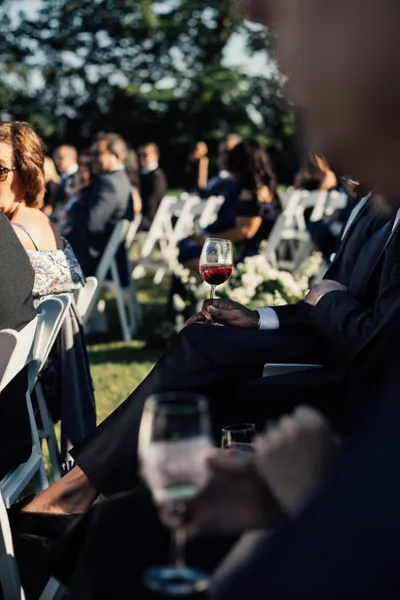
Every great party ends the same way: dozens of brilliant photos scattered across everyone's phones, most of which you'll never see. Here's how to gather them all quickly and keep the whole night in one place.
In this article
Why group chats don't cut it
Group chats compress your photos, bury them under messages, and only reach the people already in the thread. Weeks later you're still scrolling back to find that one shot — if it was ever shared at all.
Why social media misses the mark
Not everyone posts publicly, hashtags get misspelled, and platforms compress your images. The photos you most want are often from the guests who never post at all.
The shared gallery approach
A single QR code linked to a private gallery solves it. Guests scan and upload straight from their browser — no app, no account. Every photo and video lands in one place, in full resolution, ready to download.
Setting it up in minutes
Create your event, customise a cover image, and print or share your QR code. Place it where guests gather, and watch the gallery fill up during and after the party. Download everything as a ZIP when you're done.
Quick tips
- • Share the QR link in the party group chat too.
- • Enable video for speeches and performances.
- • Download originals in full quality after the event.